

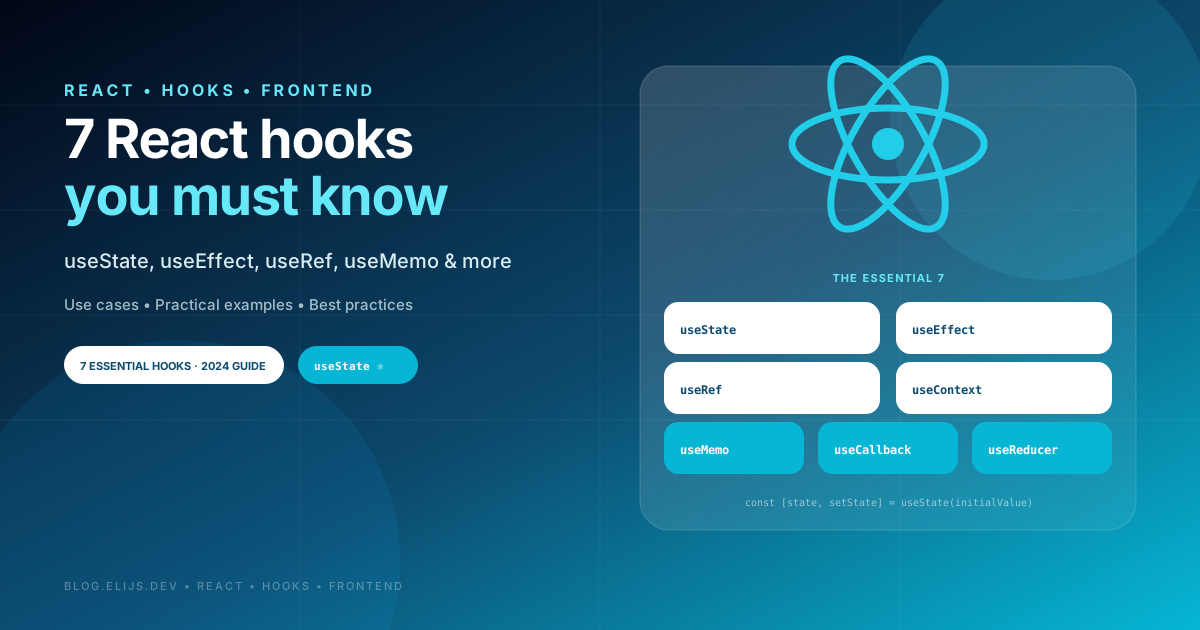
Introduction to React Hooks
React has revolutionized the way we build user interfaces, and one of the most powerful innovations it has brought is hooks. Introduced in version 16.8, hooks allow developers to use state and other React features in functional components, something that was previously only possible with class components.
For any developer working with React, understanding and mastering hooks is essential. Not only do they simplify code, but they also allow you to create more efficient and maintainable applications. In this article, we'll look at how these hooks can transform the way you develop your applications.
By the end of this read, you'll be equipped with the knowledge to apply these hooks in your projects, improving your workflow and taking your React development skills to the next level.

1. useState: Local State Management
This is a hook that allows you to add state to a functional component. It returns a pair of values: the current state and a function to update it.
js
import React,
      { useState } from 'react';

function Counter() {
 const [count, setCount]=useState(0);
  return <button onClick={() =>
    setCount(count + 1)}>
      Count: {count}</button>;
}
2. useEffect: Side Effects and Lifecycle
This hook is used to perform side effects on functional components, such as subscribing to services, making data requests, or manipulating the DOM. It runs after the component is rendered.
js
import React,
         { useEffect } from 'react';

function UpdateTitle() {
 const [count, setCount]=useState(0);
  useEffect(() => {
   document.title =
   `You clicked ${count} times`;
  }, [count]);
}
3. useContext: Sharing Global State
Allows access to the React context, which allows values (such as a theme or the authenticated user) to be shared between components without having to manually pass props through each level.
js
import React,
       { useContext } from 'react';

const ThemeContext =
      React.createContext('light');

function ThemedComponent() {
 const theme=useContext(ThemeContext);
  return (
    <div>Theme: {theme}</div>
  );
}
4. useReducer: Handling Complex State
This is similar to useState, but is useful for handling complex state or when state updates depend on a flow of actions. It uses a reducer to handle state updates based on the dispatched action.
js
import React,
  { useReducer } from 'react';

function Counter() {
 const [count, dispatch] =
 useReducer((state, action) =>
  state + action, 0);
  return <button onClick={() =>
   dispatch(1)}>
   Count: {count}</button>;
}
5. useRef: References and Value Persistence
It provides a way to access DOM elements directly or save mutable values that do not require re-rendering the component when they change. It is also useful for keeping references to previous state values.
js
import React,
      { useRef } from 'react';

function FocusInput() {
 const inputRef = useRef(null);
 const focusInput = () => {
  inputRef.current.focus();
 };
}
6. useMemo: Optimizing Expensive Calculations
This hook is used to memorize expensive calculations or functions to avoid recalculating them on every render, thus improving performance. It only recalculates the memorized value when its dependencies change.
js
import React,
    { useMemo } from 'react';

function Square({ num }) {
 const result = useMemo(() =>
  num * num, [num]);
  return (
     <div>
       Square: {result}
     </div>
  );
}
7. useCallback: Memorize Functions for Performance
Memorize functions to avoid recreating them on every render. Useful when passing functions as props to child components that rely on the function reference to avoid unnecessary rendering.
js
import React,
    { useCallback } from 'react';

function Button({ onClick }) {
 return <button onClick={onClick}
  >Click me</button>;
}

function Parent() {
 const handleClick = useCallback(()
  => console.log('Clicked!'), []);
 return
   <Button onClick={handleClick} />;
}
Conclusions


.jpg "Building your Website from Scratch with Next.js. A React-Powered Development Journey")